 Charonyu
 PassSize · Documents and photos In review · coming soon
 File too big?Shrink it to fit.
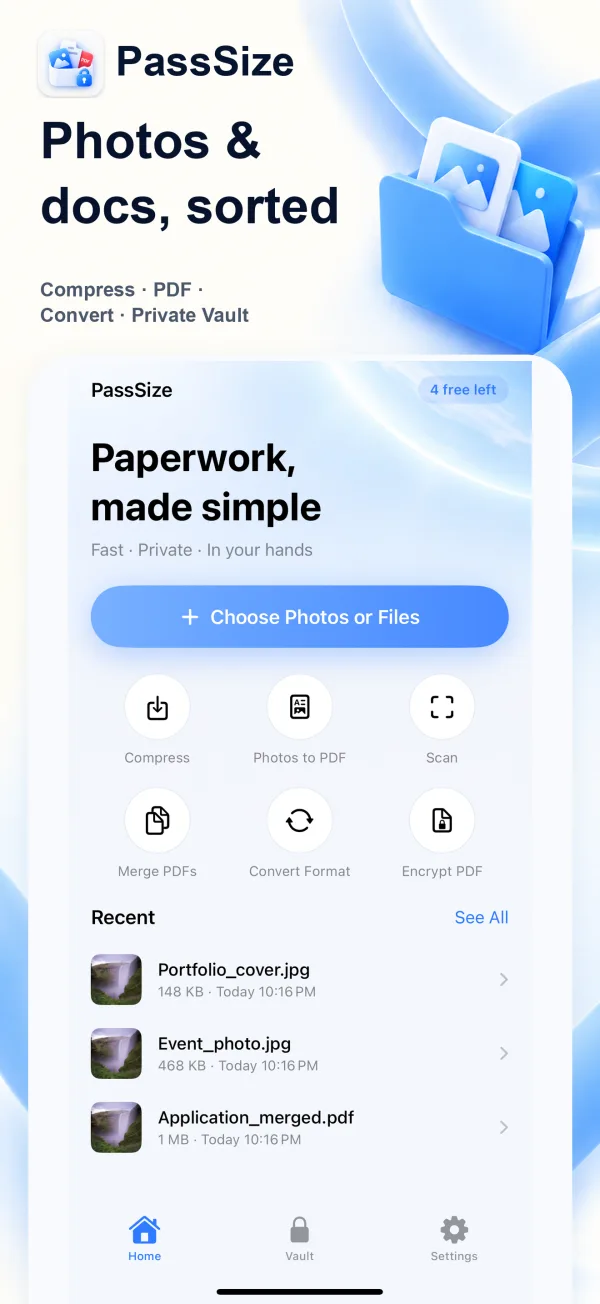
Compress photos and PDFs to an exact size, so you can stop guessing at upload limits.
- Processed on your phone
- No sign-up
- Protects your privacy
Clear to read,
easy to upload.
- 1
Import a file
Pick photos, PDFs and other files from Photos or the Files app.
- 2
Set the size
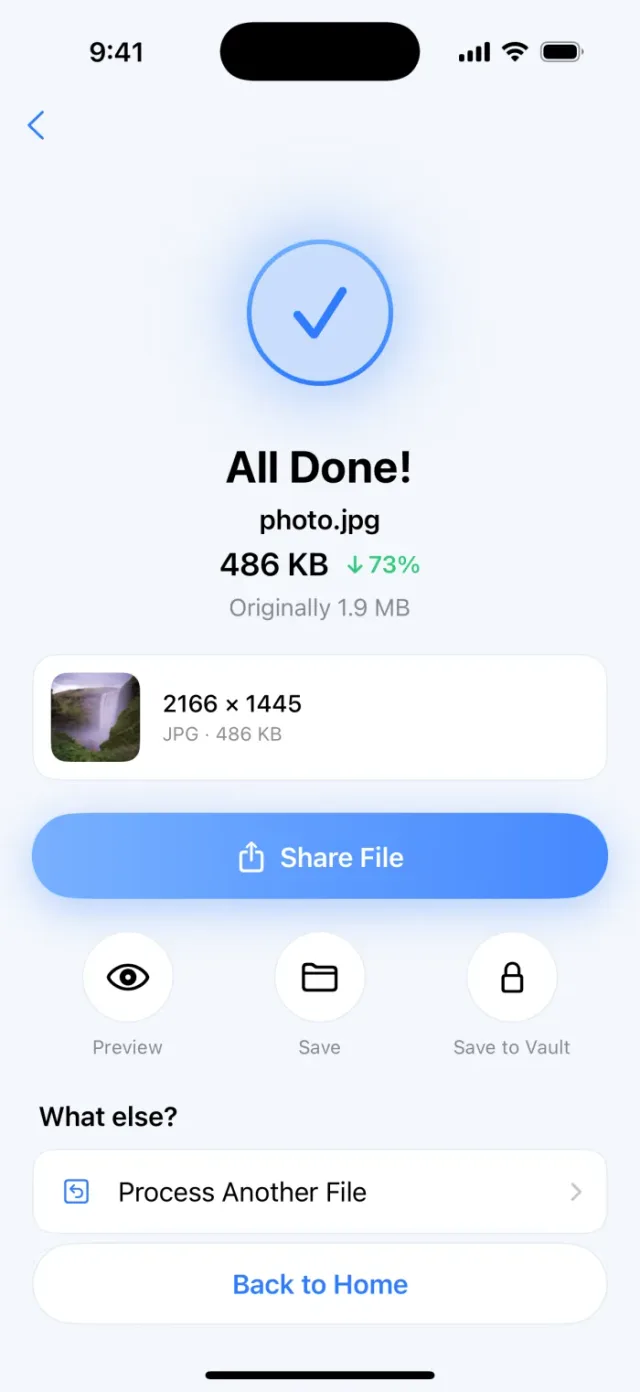
Choose 500KB, 1MB, 2MB or a custom size. You can also limit the dimensions.
- 3
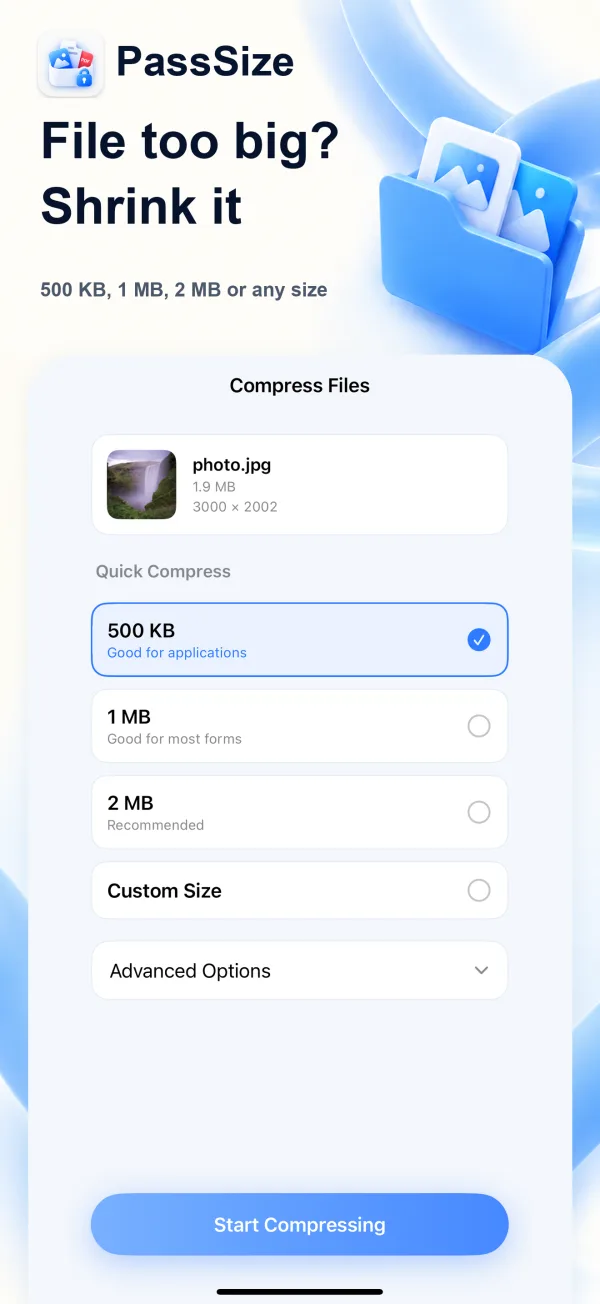
Save or share
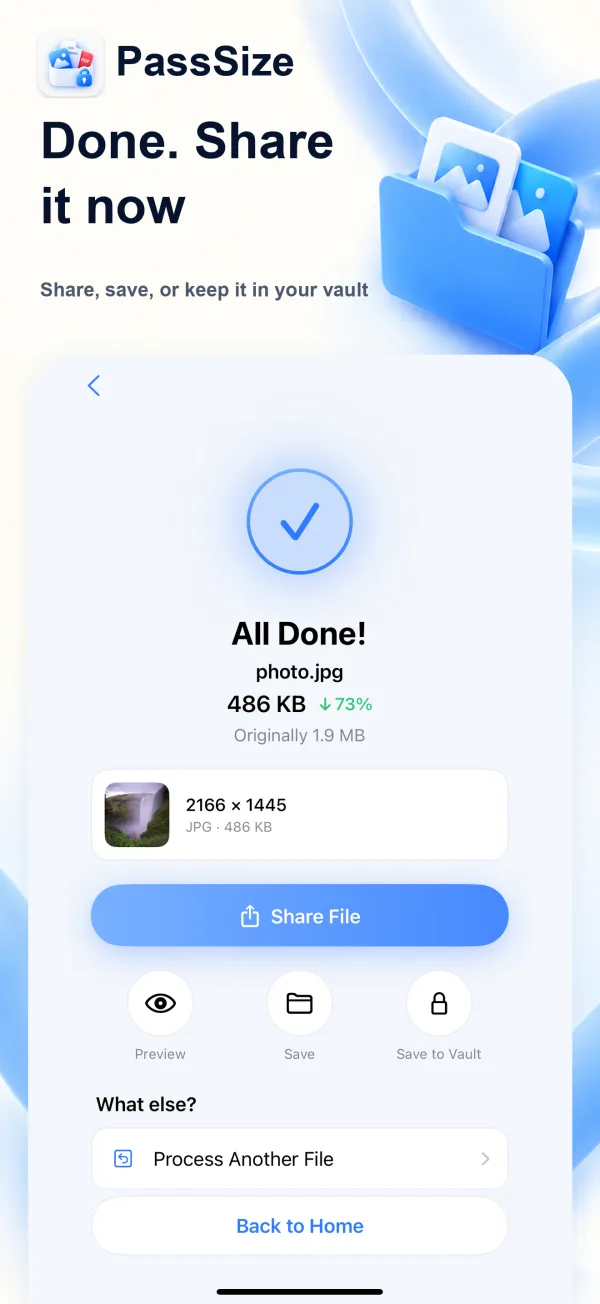
Save to Photos when it's done, or share it straight away.
Sign-ups, applications and email attachments, made easier
One app for the file-size problems you hit most often.
Photo compression
Works for registrations, applications, resumes and ID photos, keeping them as sharp as possible.
Merge into PDF
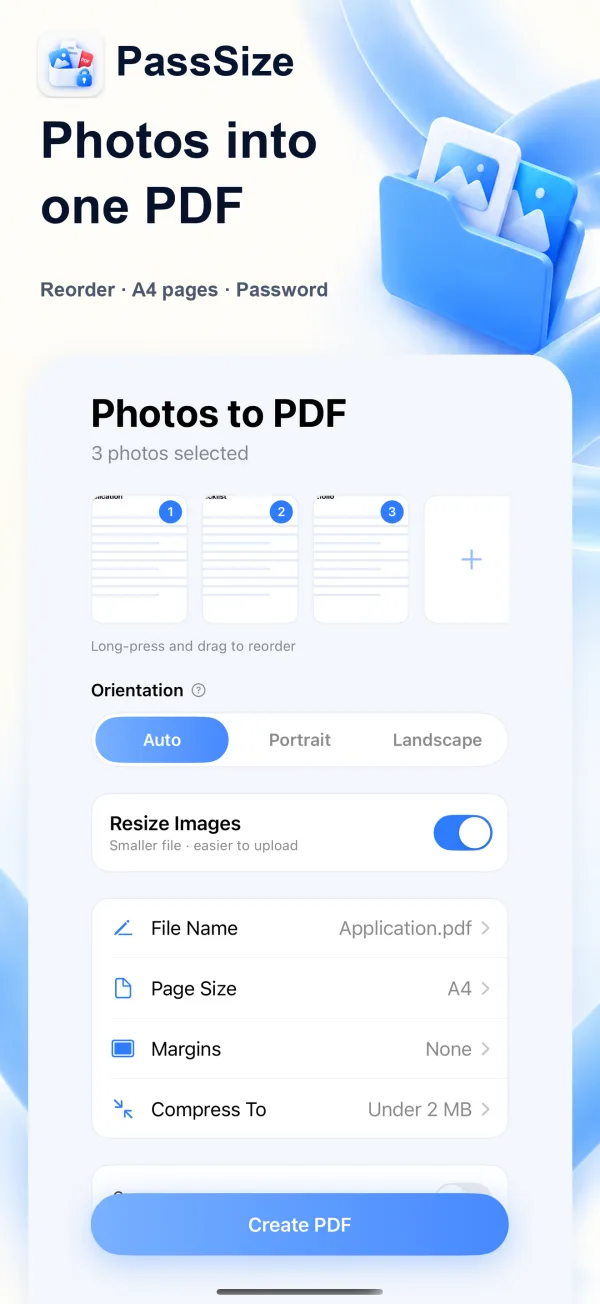
Combine photos and PDFs into one file and drag to reorder.
HEIC conversion
Convert iPhone HEIC photos to JPG or PNG.
See it in action
All features
5 free uses, then a one-time NT$60 purchase unlocks it for good. No subscription.
Compress to an exact size
Finds the highest quality that stays under your target, and only shrinks the dimensions if it has to. You can also cap the dimensions, for example 1200×1200.
Understands your limit
Just type something like "limit 2MB", "500kb" or "1200x1200 to JPG".
Photos to PDF
Choose A4, Letter or match the photo size, and add a password to open the file if you like.
Organize PDFs
Merge, reorder, rotate, delete pages and split into single pages.
Compress PDFs to a target size
PDFs can be compressed to a target size too. If that isn't enough, pages are converted to images before compressing, so text may no longer be selectable.
Scan documents
Turn paper documents into clean PDFs.
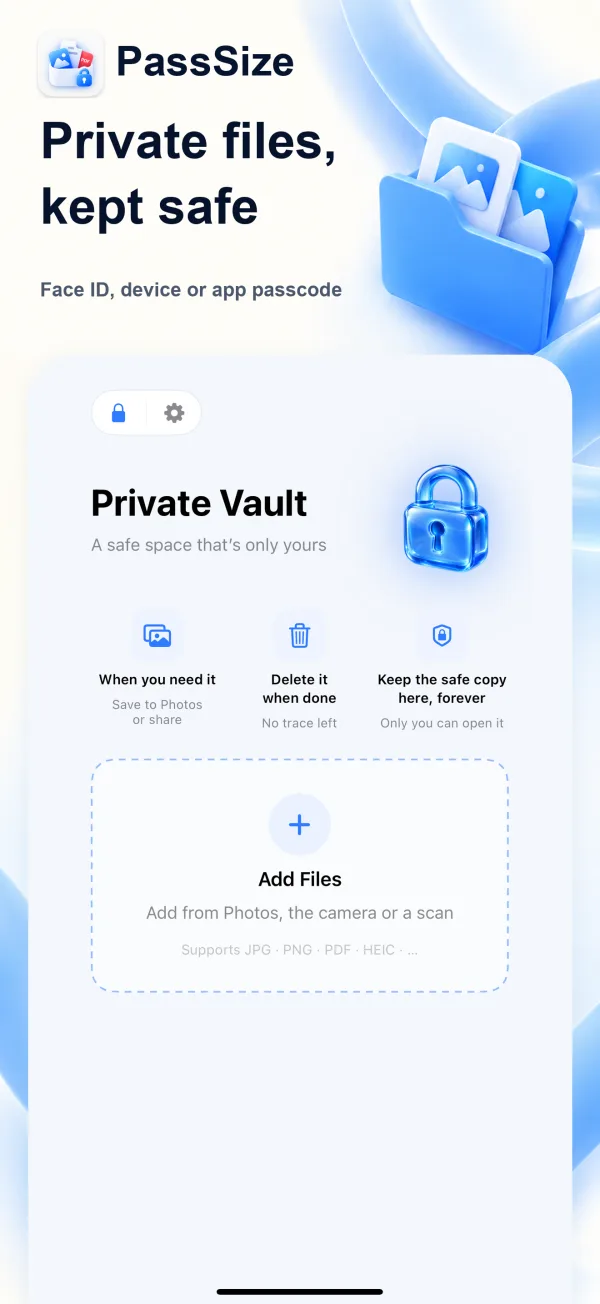
Private vault
Keep IDs and contracts in the vault, which opens only with Face ID or a passcode.
Works from the Share sheet
Pick photos in Photos, tap Share, then PassSize. No need to open the app.
Remove photo info
In advanced options you can choose whether to keep details like capture time and location (Exif). They're removed by default, for peace of mind when you submit files.

How to compress an iPhone photo to under 2MB
Sign-ups, applications and document uploads often say "file must not exceed 2MB". Here are the built-in iPhone options, the pros and cons of each, and how to hit an exact size in one step with PassSize.
Read the guideAny other questions?
Are my photos uploaded to a server?
No. Compression, conversion and PDF creation all happen on your iPhone, and no files are uploaded.
Can I set a target file size?
Yes. Choose 500KB, 1MB, 2MB or enter your own. The app finds the highest quality that stays under the target. If it truly can't get there, it tells you, and you can reduce the dimensions or adjust the target.
Is 2MB calculated as 1000 or 1024?
It uses 1000-based units (2MB = 2,000,000 bytes) and leaves about a 2% buffer, so the result is also under a 1024-based 2MB. Still, we recommend testing an upload on the actual site before you submit.
Are there ads or tracking?
No. There's no sign-up, no ads and no tracking, and everything is processed on your iPhone.
Does it cost anything?
You get 5 free uses, then a one-time NT$60 purchase unlocks it for good. No subscription. Saving to the vault doesn't count as a use.
PassSize
In review · coming soon · Pre-register to get early access, or to be notified the moment it launches.