 Charonyu
Is 1MB 1000KB or 1024KB? How upload size limits are counted
Both are in use: decimal 1MB = 1000KB, binary 1MiB = 1024KiB. When an upload site doesn't say which it uses, count in 1000s and leave a small buffer so the size check never blocks you.
 Charonyu・Article・


PassSize, mentioned in this guide, is currently in review · coming soon and can't be downloaded yet. Until it launches, you can use the built-in methods described here; this spot will turn into a download link once it is live.
Quick answer
Both are in use. In decimal (the international system of units), 1MB = 1000KB = 1,000,000 bytes. In binary, 1MiB = 1024KiB = 1,048,576 bytes, though a lot of software still writes that as “MB”. iPhone and Mac show storage in 1000s (individual apps may differ). If an upload site doesn’t say, count in 1000s and leave a small buffer to be safe: for a 2MB limit, aim for about 1.9MB.
Why are there two ways to count?
Computers work in binary, so memory sizes are naturally powers of 2. 1024 (2^10) is very close to 1000, so early on people called 1024 bytes “1KB”. But “k” in international units has always meant 1000 (1 kilometer = 1000 meters), so both uses ended up side by side.
To tell them apart, the international standard defined separate binary units:
| Decimal | Size | Binary | Size |
|---|---|---|---|
| 1 KB | 1,000 bytes | 1 KiB | 1,024 bytes |
| 1 MB | 1,000,000 bytes | 1 MiB | 1,048,576 bytes |
| 1 GB | 1,000,000,000 bytes | 1 GiB | 1,073,741,824 bytes |
At the MB level the two differ by about 4.9%; at GB, by about 7.4%.
Which one do iPhone and Mac use?
Apple’s support documents say that iOS 11 and later and Mac OS X Snow Leopard (10.6) and later report storage in decimal, so a “2 MB” in the iPhone Files app or the Mac Finder is about 2,000,000 bytes. Earlier versions, iOS 10 and OS X Leopard and before, used binary.
Windows File Explorer, by contrast, counts in 1024s but labels the result KB and MB, so the same file looks smaller on Windows. For example, a photo of 2,050,000 bytes shows as about 2.05MB on an iPhone but about 1.95MB on Windows.
How do upload sites check?
Websites usually compare the file’s byte count directly. What matters is whether the developer set the limit at 2,000,000 or 2,097,152:
- Written as 2,000,000 bytes (1000-based): stricter.
- Written as 2,097,152 bytes (1024-based): looser.
You can’t tell which one a site uses from the outside, so the risky files are the ones that land in between: for example, 2,050,000 bytes passes on a 1024-based site and is rejected on a 1000-based one.
How to stay in the safe range
- Always calculate the limit in 1000s: treat 2MB as 2,000,000 bytes and 500KB as 500,000 bytes.
- Leave a little buffer: for example, aim for 95% of the limit, so about 1.9MB for 2MB and about 475KB for 500KB.
- Don’t judge a file by the size Windows shows: the number it displays is lower.
- For an exact number on iPhone: in the Files app, touch and hold the file and tap Get Info to see its size.
For how to get a photo under 500KB, see Photo must be under 500KB for registration? How to shrink it on your phone.
With PassSize you don’t have to convert
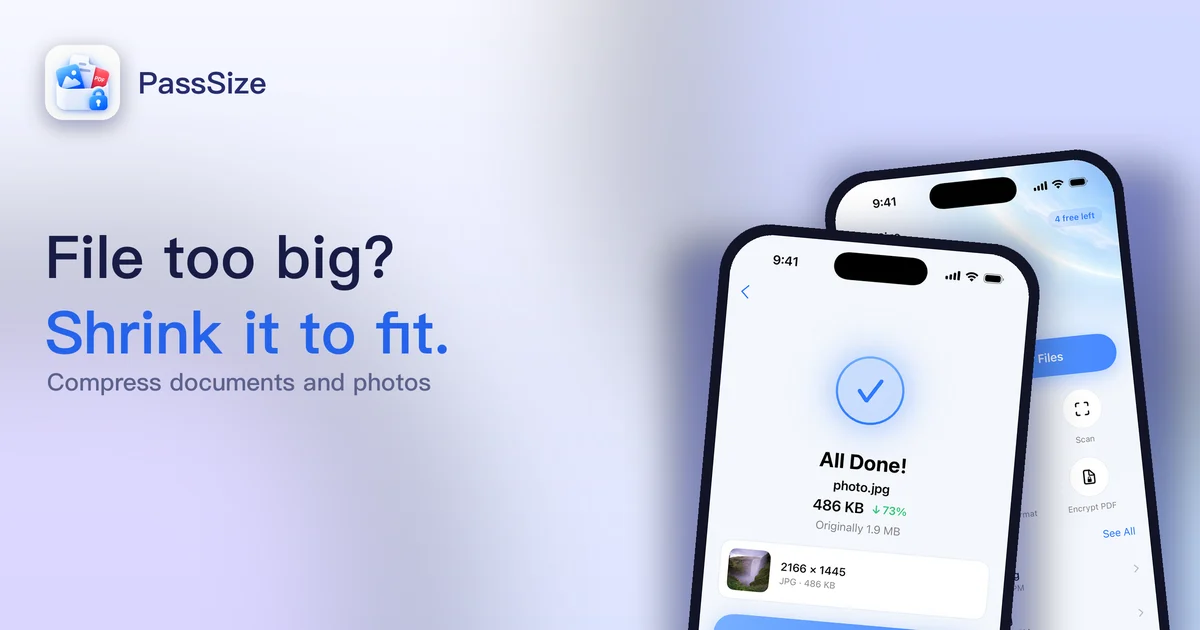
PassSize counts target sizes in 1000s (2MB = 2,000,000 bytes) and keeps roughly another 2% buffer, so the result also stays under a 1024-based 2MB (2,097,152 bytes) and won’t be blocked on size because of the counting method. Format, dimensions and other requirements still need to be checked separately. You just pick 500KB, 1MB, 2MB or enter a custom size, and the app finds the highest quality that stays within the target, all processed on your phone. For detailed steps, see How to compress a photo to under 2MB on iPhone.
A quick reminder: when you send a file from an iPhone to a Windows PC, the size number may look smaller. The file wasn’t compressed; the two systems just count differently. When submitting something, going by the 1000-based number is safest.
Continue with the complete guide: The complete guide to compressing photos and PDFs on iPhone →
Disclosure: PassSize is an app developed by this site's author (Charonyu). The built-in methods and other options described here all work without downloading our app.
FAQ
Does the iPhone show MB using 1000 or 1024?
Apple says iOS 11 and later, and Mac OS X Snow Leopard and later, report storage capacity in decimal, meaning 1MB = 1,000,000 bytes.
Why does Windows show a different size from my iPhone?
Windows File Explorer counts in 1024s but labels the result KB and MB, so the same file looks a bit smaller on Windows than on a Mac or iPhone.
If the limit is 2MB, is a 1.99MB file guaranteed to pass?
Not necessarily. If that 1.99MB was shown using 1024-based counting, it is actually over 2,000,000 bytes, and a site that checks in 1000s will reject it. Leaving about 5% of buffer is safer.
What are KiB and MiB?
They are the official names the international standard gives to binary units: 1KiB = 1024 bytes and 1MiB = 1024KiB. They exist to tell binary apart from decimal KB and MB, but many apps and websites don't use them strictly.