Everyday hassles,
handled by handy apps.

From tidying photos to sending documents, find the tool that fits.

Less hassle,
   More life.
Start with the problem, find the full solution

Read by topic, from built-in methods to the app that suits you.

Small tools for everyday life

Simple, focused and useful, made for the small needs of everyday life.

Work Space icon

Work Space

A space of your own for work

A Personal Work OS concept: capture photos, links and files first, then connect them with events and meeting notes by project.

Learn more Concept in planning

TabiTalk icon

TabiTalk

Travel phrases, captions and photo translation

Prepare what you want to say abroad. Find Japanese, Korean and English travel phrases to read aloud or show in large text.

Learn more Coming soon

Habit Grow icon

Habit Grow

Grow your habits into a little island

Every habit you complete makes your island grow a little.

Learn more Coming soon

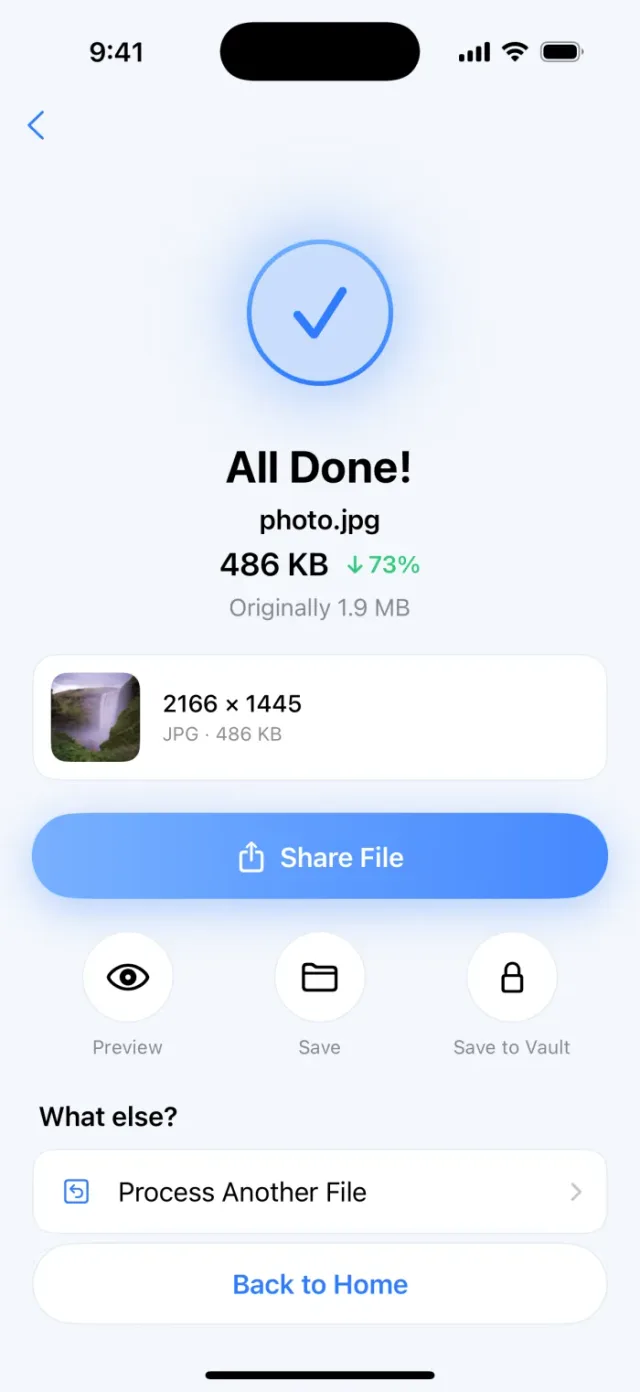
PassSize icon

PassSize

Compress documents and photos

Compress photos and documents fast so they fit upload size limits.

Learn more In review · coming soon

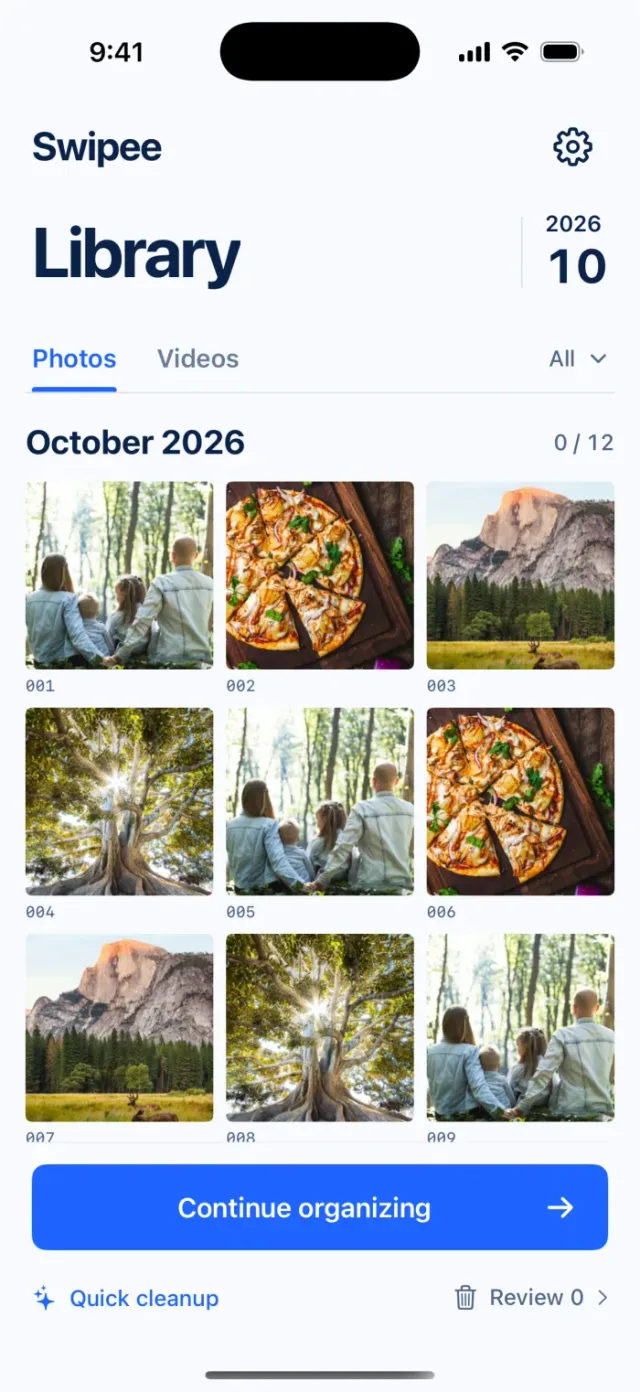
Swipee icon

Swipee

Clean up your photo library by swiping

Sort through photos with quick swipes and get a cleaner library.

Learn more

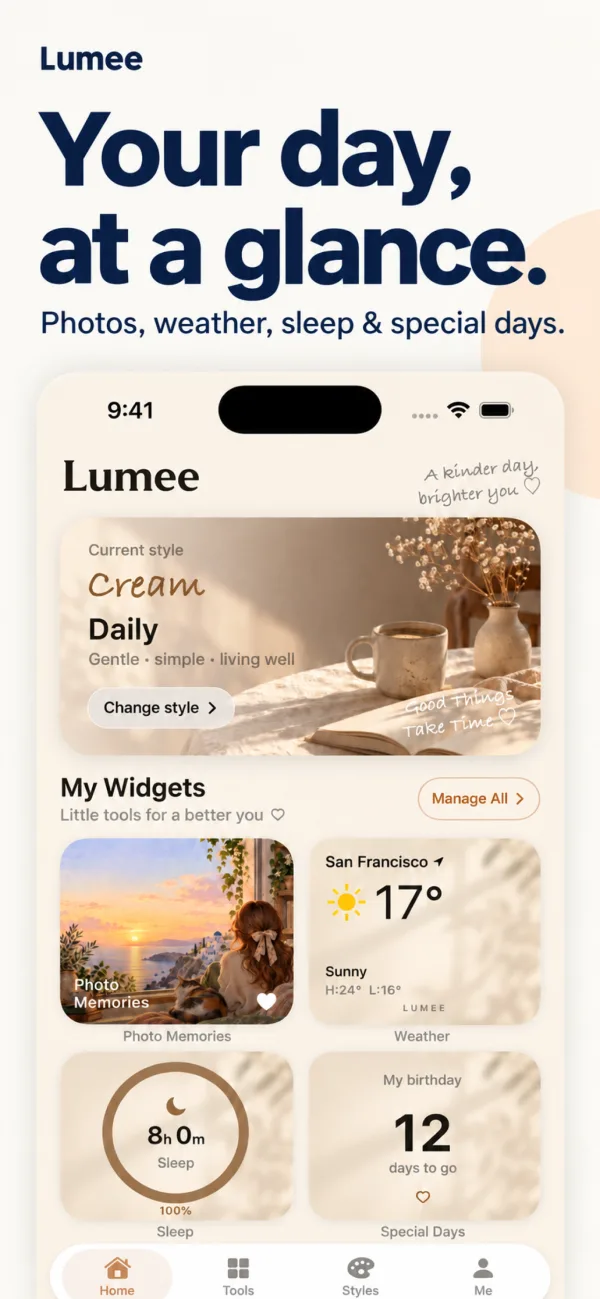
Lumee icon

Lumee

Customizable Home Screen widgets

Build a Home Screen that's yours, so what matters is always in sight.

Learn more

SamePhoto icon

SamePhoto

Copy the shots you love

Pick a photo you love, follow its outline and live coaching, and make the shot your own.

Learn more In review · coming soon

Picsy icon

Picsy

Photo collages and video memories

Piece your everyday moments together and keep the ones worth remembering.

Learn more Coming soon

Job Pocket icon

Job Pocket

Organize jobs and prep for interviews

Save jobs, understand the requirements, write cover letters and practice interviews, all in one place.

Learn more

PicSeek icon

PicSeek

Find any photo with one sentence

Describe a photo in English or Chinese and find it across your whole library, all processed on your phone.

Learn more
Guide

How to compress an iPhone photo to under 2MB

Sign-ups, applications and document uploads often say "file must not exceed 2MB". Here are the built-in iPhone options, the pros and cons of each, and how to hit an exact size in one step with PassSize.

Read the guide
1.9 MB
Original
2166 × 1445
486 KB
Compressed
2166 × 1445

Example result,
  a lighter file!

More guides and articles

Real problems, solved step by step.

All guides
Article · PassSize Where to compress images: iPhone built-ins, websites, computers, and apps compared For the occasional single image, the iPhone's built-in Preview or Shortcuts is enough. To hit an exact KB target for an ID or contract, an app that processes on your phone and lets you set a target size is easiest. Here is how each option differs. Guide · Swipee Too many photos on your iPhone? How to clean them up and delete them quickly Delete screenshots, big videos and duplicates first, use Select and drag your finger to pick a whole stretch at once, and check Recently Deleted afterwards. Built-in methods, where things moved in the newer Photos app, and the swipe cleanup flow in Swipee. Guide · Lumee How to put your own photos in a widget on iPhone Press and hold an empty spot on the Home Screen > Edit > Add Widget > Photos to add the built-in Photos widget. From iOS 17 you can pick an album to cycle through in Edit Widget, but you can't choose a single photo directly. For a fixed favorite photo in different styles, use Lumee. Guide · SamePhoto How to use the rule of thirds in phone photos (people and landscapes) The rule of thirds splits the frame into a 3x3 grid with two horizontal and two vertical lines. Put the subject on a line or near an intersection and the horizon on the upper or lower third. How to place people and landscapes, when to break the rule, and how to turn on the iPhone grid. Guide · Picsy How to turn travel photos into a memory video on iPhone Put your trip photos in one album and play it as a Memory slideshow in the Photos app, then change the music, look, and length before sharing. iPhones with Apple Intelligence can also build one from a text description. For more editing room use iMovie Magic Movie; for a fixed 9:16 output use an app that lets you pick a ratio, such as the video templates in Picsy. Guide · Job Pocket How to track job applications and openings when applying to many companies Keep one row per job to record company, posting link, salary, deadline, date applied, status, contact, and interview date. Use a fixed set of statuses and update weekly. Includes a column template, status flow, follow-up timing, and how to save jobs from 104 and LinkedIn with Job Pocket.