 Charonyu
What does a 1200x1200 photo size mean? Pixels, DPI and file size explained
1200x1200 means 1200 pixels wide and 1200 pixels tall; file size (KB, MB) is how much space the file takes. Upload sites check pixels and file size. DPI/PPI only matters for printing, and changing it won't make the file smaller.
 Charonyu・Article・
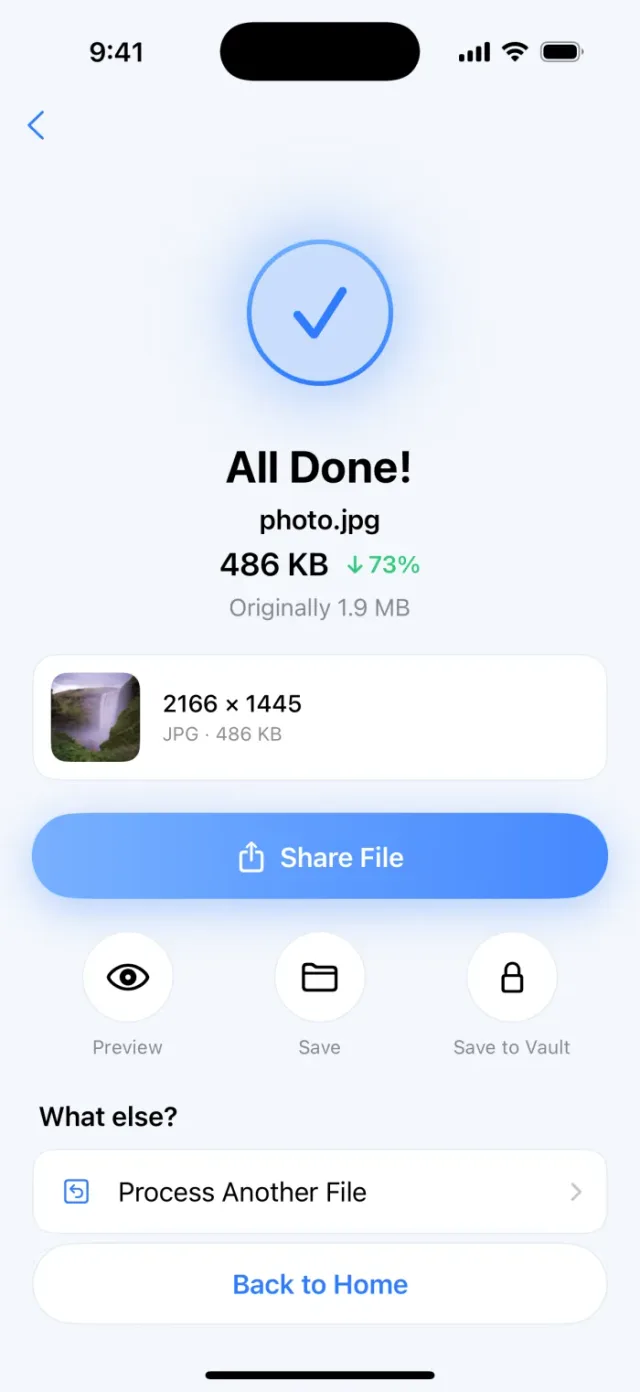
PassSize, mentioned in this guide, is currently in review · coming soon and can't be downloaded yet. Until it launches, you can use the built-in methods described here; this spot will turn into a download link once it is live.
Quick answer
“1200x1200” is the pixel size: the photo is 1200 pixels wide and 1200 pixels tall, about 1.44 million pixels in total. File size (such as 500KB or 2MB) is how much space the photo takes once saved, and it depends on the pixel count and the compression quality. PPI (pixels per inch) is a reference value for printing, and DPI is how many ink dots a printer lays down per inch. The two are often used interchangeably, but neither changes the pixel count, so changing that number when uploading won’t make the file smaller. When a site sets both a size and a file size, first set the pixels to the required value, then compress the quality to fit the file size.
What is pixel size?
A digital photo is made of a grid of pixels. “Width x height” is how many there are across and down:
- A 12-megapixel iPhone photo is commonly 4032x3024 (about 12 million pixels).
- The 1200x1200 a site asks for is a square of about 1.44 million pixels.
- The 600x800 common for registration photos is a 3:4 portrait of about 480,000 pixels.
More pixels keep more detail, but the file is also bigger.
What is file size?
File size is the capacity of the photo once saved as a file, measured in KB or MB. Two things mainly affect it:
- Pixel count: more pixels means more data to store.
- Compression quality and format: at the same 1200x1200, a high-quality JPEG may be a few hundred KB while a low-quality one may be only one or two hundred KB; saved as PNG it can be much bigger.
Content matters too: simple images such as an ID photo on a white background or a scanned document compress much more easily than detailed scenes like leaves or crowds. So the same dimensions can give different file sizes. For how compression works, see How does image compression work?
Does DPI affect file size?
No. The two terms are often mixed up but mean different things:
- PPI (pixels per inch): how many pixels are placed per inch of the image, which decides how large it prints. The “resolution 300” recorded in a file is actually this value.
- DPI (dots per inch): how many ink dots a printer lays down per inch. It is a printer spec.
For example, 1200x1200 pixels at 300 PPI prints at about 4x4 inches (about 10 cm square); change the same photo to 72 PPI and it prints larger, but the pixels are still 1200x1200 and the file size is nearly the same.
So if a site only says “1200x1200 pixels, under 2MB”, ignore DPI. If it says “300 DPI”, that is usually for printing, and what still matters is whether you have enough pixels (for example, to print a 2-inch photo you need enough pixels).
How to see a photo’s size and file size on iPhone
Method 1: Photos app
- Open the Photos app and tap the photo.
- Swipe up, or tap the Info button (ⓘ).
- The camera info section shows the pixel dimensions, file size and other details.
Method 2: Files app
After saving the photo to Files, touch and hold the file and tap Get Info to see the size; tap Show More for details such as dimensions. This is good for checking the actual file you are about to upload after compression.
How to meet both the size and file size rules
- Fix the aspect ratio first: if the rule is 1200x1200, which is 1:1, crop the photo to a square first. Forcing a rectangle into a square will distort it.
- Then scale to the required pixels: at 1200x1200 the file is usually already much smaller.
- Finally adjust quality to fit the file size: if it is still over 2MB or 500KB, lower the JPEG quality.
- Check three things: pixels, file size and format (JPG/PNG). Upload once all match.
Also remember a site’s KB and MB may be counted in 1000s or 1024s; see Is 1MB 1000KB or 1024KB?
Set dimensions and size together in PassSize
When compressing, PassSize lets you limit the dimensions (for example 1200x1200) and set a target size (500KB, 1MB, 2MB or custom) at the same time, and it finds the highest usable quality without going over. You can also type something like “1200x1200 to JPG” or “limit 2MB”. When it finishes it shows the before and after sizes and dimensions so you can check them against the rules, all processed on your phone. For the registration photo scenario, see Photo must be under 500KB for registration? How to shrink it on your phone.
A quick reminder: if the required aspect ratio differs from your original (for example a square is needed), crop and frame it yourself first and then let the tool scale it, so faces don’t get cut off or distorted.
Continue with the complete guide: The complete guide to compressing photos and PDFs on iPhone →
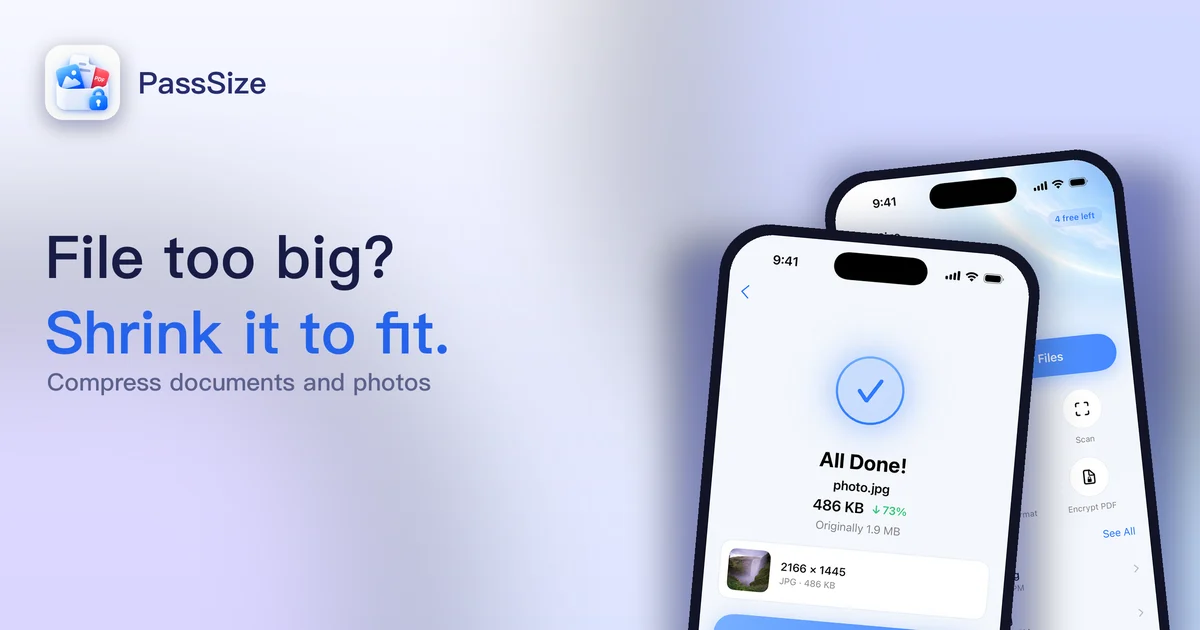
Disclosure: PassSize is an app developed by this site's author (Charonyu). The built-in methods and other options described here all work without downloading our app.
FAQ
Can changing the DPI make the photo file smaller?
No. The DPI stored in the file (strictly speaking PPI) is only a print reference. The pixel count stays the same, so the file size barely changes. To make it smaller you have to reduce pixels or lower the compression quality.
The site asks for 1200x1200 but my photo is 3024x4032. What do I do?
First crop the photo to a 1:1 square, then scale it down proportionally to 1200x1200. If you skip cropping and force a portrait photo into a square, it will look stretched or squashed; proportional scaling by itself doesn't distort it.
Is "at least 600x800" different from "600x800"?
Yes. "At least" means anything larger than 600x800 is fine. Without "at least", some systems require exactly that size, so it is best to match the rule exactly.
Does more pixels always mean a clearer photo?
Not always. Sharpness also depends on focus, camera shake and compression quality. A large photo that was compressed hard can look blurrier than a smaller one with moderate compression.