 Charonyu
Photo must be 300KB to 500KB but your file is too small? What to do
A file that is too small usually has too few pixels or too much compression. Re-export from the original photo with higher JPEG quality and a larger pixel size and the file size will rise. Don't stretch a small image or pad the file by changing the format.
 Charonyu・Article・

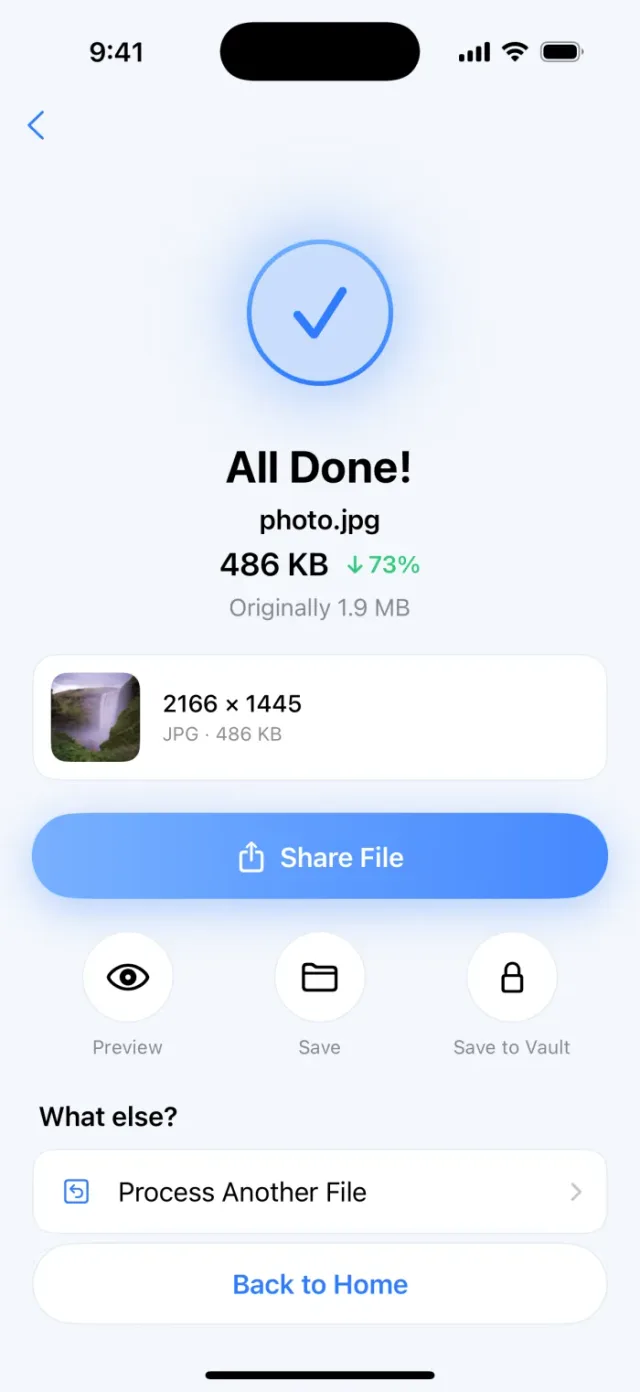
PassSize, mentioned in this guide, is currently in review · coming soon and can't be downloaded yet. Until it launches, you can use the built-in methods described here; this spot will turn into a download link once it is live.
Quick answer
When a photo is below the minimum (for example the rule says 300KB to 500KB but yours is 120KB), it usually has too few pixels or too much compression. The fix is to go back to the original photo and export it again with higher JPEG quality (for example 85% to 95%) and a larger pixel size, and the file size will go up. If all you have is a squeezed small file (for example one saved from a messaging app), ask the sender for the original or retake it. Stretching a small image does make the file bigger, but the quality won’t improve.
Why is there a “minimum” file size?
Upload systems set a lower limit mostly to make sure the photo is clear enough to identify or print. File size isn’t the same as image quality, but a very small file almost always means very few pixels or heavy compression, so the system uses size as a simple threshold.
Most people hit the minimum because the photo was “compressed one more time”:
- Photos received or saved from messaging apps like LINE (the popular messaging app in Taiwan) and Messenger.
- Screenshots, or photos downloaded from websites or social media.
- Photos squeezed too hard by a compression tool, or scaled down to very few pixels.
First check the current size and pixels
- Photos app: open the photo and swipe up or tap the info button to see the file size and pixel dimensions.
- Files app: touch and hold the file and tap Info.
If the pixels are only something like 400x533 and the rule asks for at least 300KB, adjusting quality alone probably won’t be enough. Find a larger original photo.
Ways to make the file reasonably bigger
Ordered by effectiveness and how much I’d recommend them:
- Re-export from the original photo: an original from an iPhone is usually several MB. Crop and resize again from the original and the size will easily land in range.
- Raise the JPEG quality: at the same pixel size, higher quality means a bigger file. For example, raise the quality in the Shortcuts “Convert Image” action, or move the size slider up when exporting JPEG from the Preview app (from iOS 26).
- Keep a larger pixel size: if the site only sets a file size and no pixel size, don’t shrink too much. For example, 1200 wide instead of 600.
- If the site sets the pixel size: with fixed pixels (for example 600x800), quality is the only thing you can change. Set quality to the maximum; if it still doesn’t reach the minimum, a photo at that size may simply not get that large, so check the rule with the organizer.
Not recommended:
- Enlarging a small image many times: the file gets bigger but blurrier, and the photo may even be rejected in review for being unclear.
- Changing the file extension or stuffing in unrelated data: this can make the file invalid. See Photo is under 2MB and a JPG, but the site still says wrong format?
Why does higher quality make the file bigger?
JPEG is lossy compression, and the quality setting decides “how much detail to throw away”. Higher quality keeps more detail and makes a bigger file; more pixels also mean more information to store. For how the two relate, see What does a 1200x1200 photo size mean? and How does image compression work?
Content matters too: an ID photo with a white background has large flat areas that compress very well, so at the same pixel size and quality the file is much smaller than a landscape photo. That’s why ID photos are especially likely to fall below the minimum.
What to do in each situation
| Your situation | Suggested approach |
|---|---|
| You have the original photo | Crop and export again from the original, with higher quality |
| You only have a photo sent through a messaging app | Ask the sender for the original or file, or retake it |
| Fixed pixel size plus a minimum file size | Set quality to the maximum; if still not enough, check the rule |
| Only a file size, no pixel size | Keep more pixels, with moderate quality |
| Right at the edge of the minimum | Leave some margin, for example aim for 330KB or more for a 300KB minimum |
KB can also be counted slightly differently; see Is 1MB 1000KB or 1024KB?
How can PassSize help?
PassSize is designed to stay under the size you set, finding the highest usable quality within that limit, so it deals with the maximum:
- You can pick 500KB or enter a custom size, for example 480KB, and it keeps as much quality as it can without going over, so the result lands as close to the limit as possible.
- You can also limit the dimensions at the same time, for example 1200x1200.
- But it won’t pad a file to make it bigger. If the original is too small or the content is very simple, the result may be below the minimum. In that case start from a larger original photo.
Suggested flow: start from the original photo, set the target near the top of the range in PassSize, and check afterwards that the displayed size falls within the range.
A quick reminder: when there is both a minimum and a maximum, don’t set the target at exactly 500KB. Aim a bit below the maximum (for example 480KB), so you won’t be judged over the limit and are more likely to stay above the minimum.
Continue with the complete guide: The complete guide to compressing photos and PDFs on iPhone →
Disclosure: PassSize is an app developed by this site's author (Charonyu). The built-in methods and other options described here all work without downloading our app.
FAQ
Why do registration photos have a minimum file size?
Mainly to make sure the photo is sharp enough to identify a face or to print. A file that is too small usually has too few pixels or too much compression, so a minimum size works as a simple quality threshold.
Will enlarging the photo make the file bigger?
The file gets bigger, but enlarging adds no detail. It just spreads the existing pixels apart, so the photo looks blurrier. The best fix is to go back to the original photo and export again.
Will saving as PNG make the file bigger?
Usually much bigger, but most sites only accept JPG, and the file may go straight over the maximum. Unless the site accepts PNG, a higher-quality JPG is the safer choice.
My photo came from LINE and it's too small. What now?
Messaging apps often compress photos when sending. Ask the sender to resend it as the original image or as a file, or get the original file directly.