 Charonyu
 Lumee · Make everyday a little cuter
 Every time you open your phone,see the day you love.
Put photos, weather, sleep and important dates on your iPhone Home Screen in a style you like.
On Android?Join the Android waitlist and get notified when testing opens- 17 styles
- 15 widgets
- One-time Pro purchase
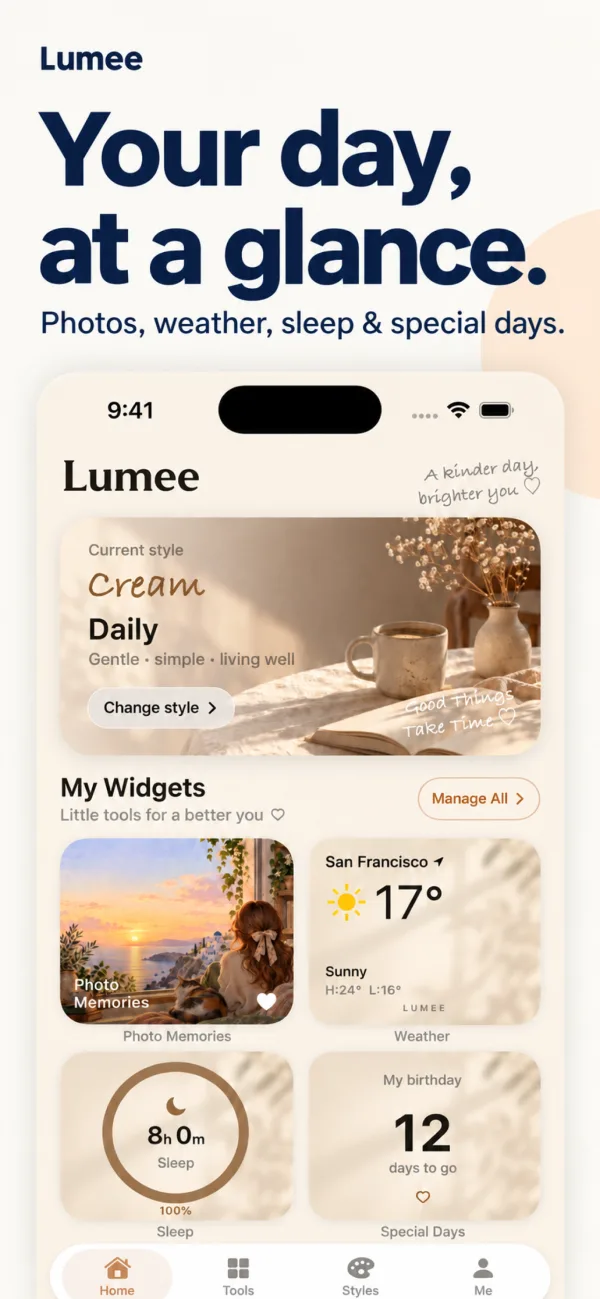
A small screen,
everything you love.
- 1
Pick a style
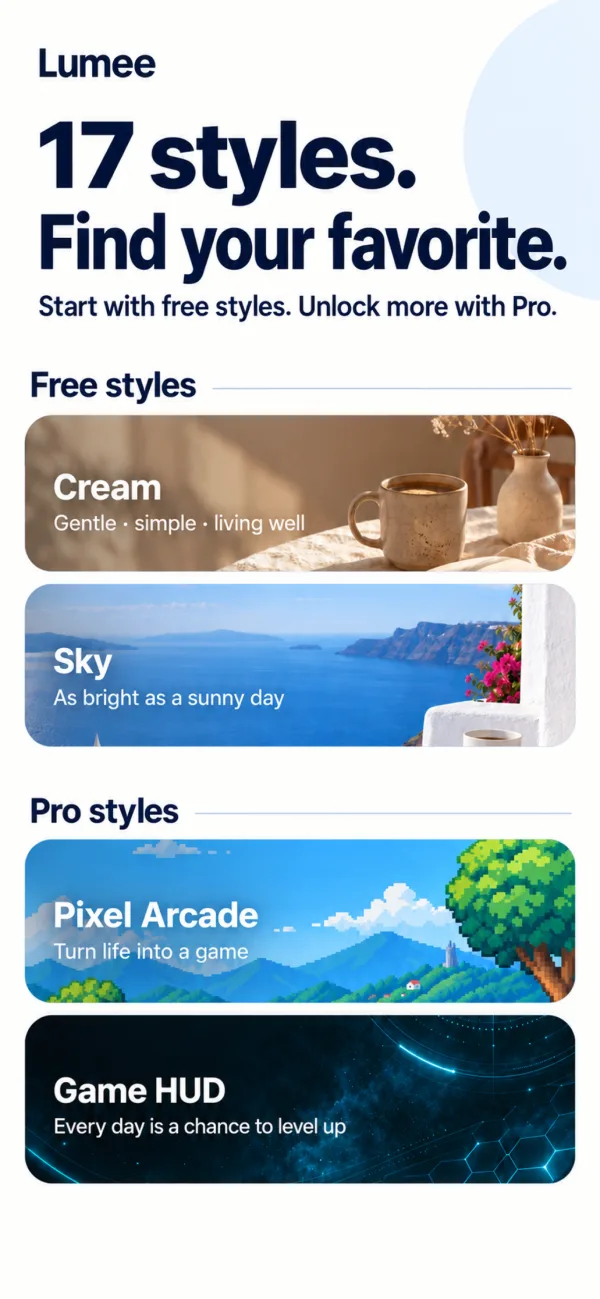
Choose from 17 styles like Cream, Sky and Night. The app and your widgets change together.
- 2
Pick widgets
Photo memories, weather, important dates, water, sleep... choose the ones you check every day.
- 3
Add to your Home Screen
Choose a size and add the Lumee widget to your Home Screen.
Everything you check daily, on your Home Screen
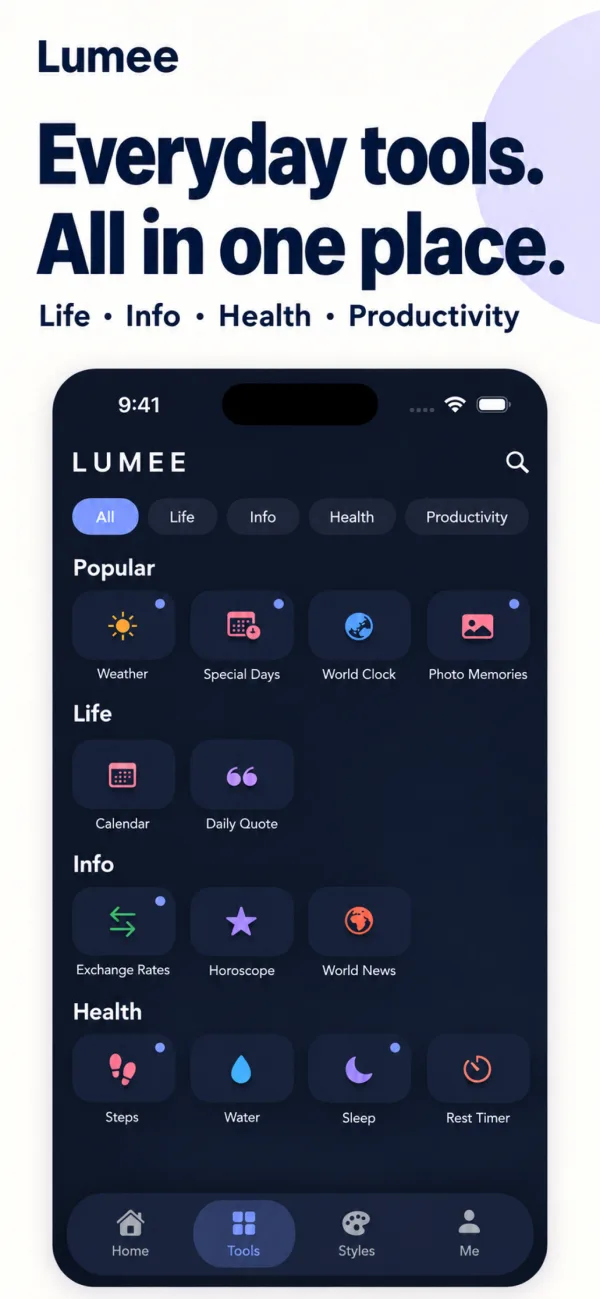
Life, health, productivity and info, with your everyday tools all in one place.
Life
Photo memories, important dates, weather, calendar, world clock and a daily quote.
Health
Steps, water, sleep and rest timer between sets.
Productivity and info
To-dos, Taiwan e-invoice carrier barcode (stores your receipts in your account), exchange rates, horoscopes and world news.
See it in action
All features
Free to download; Lumee Pro is a one-time NT$120 purchase that unlocks everything for good, with no monthly subscription
Photo memories
Put your favorite photos on your Home Screen and keep life's good moments close.
17 styles
Cream, Sky, Rosy, Night, Pixel Arcade, Game HUD and more. 5 styles are free and Pro unlocks them all.
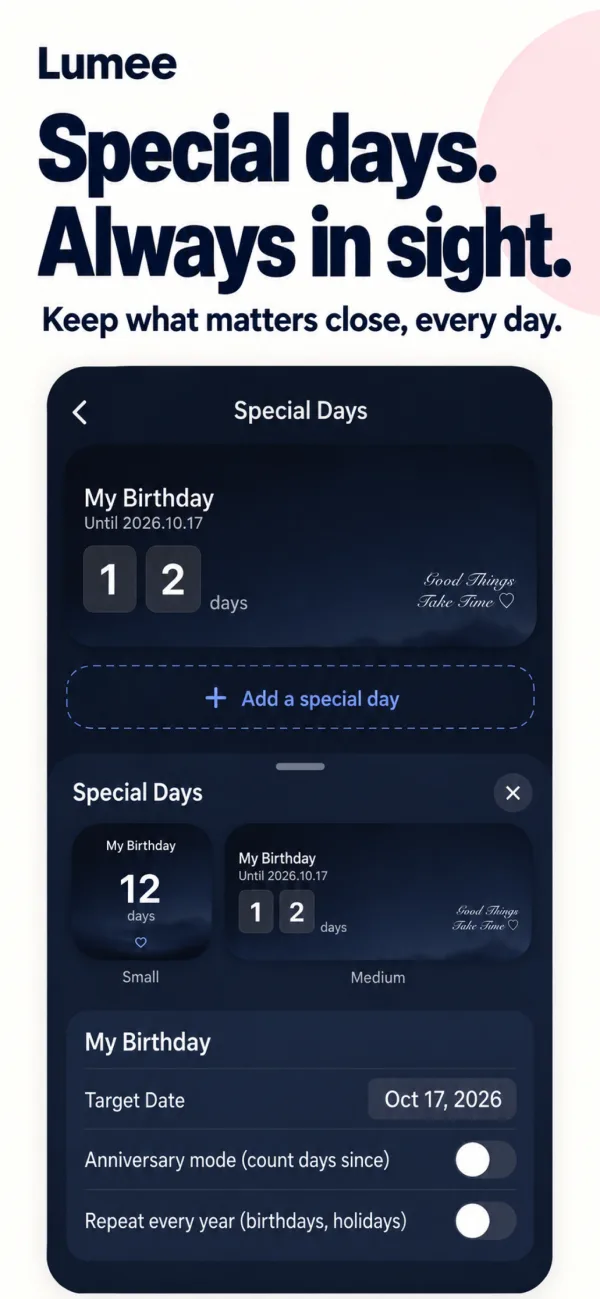
Important dates
Count down to birthdays and anniversaries, right where you see them every day.
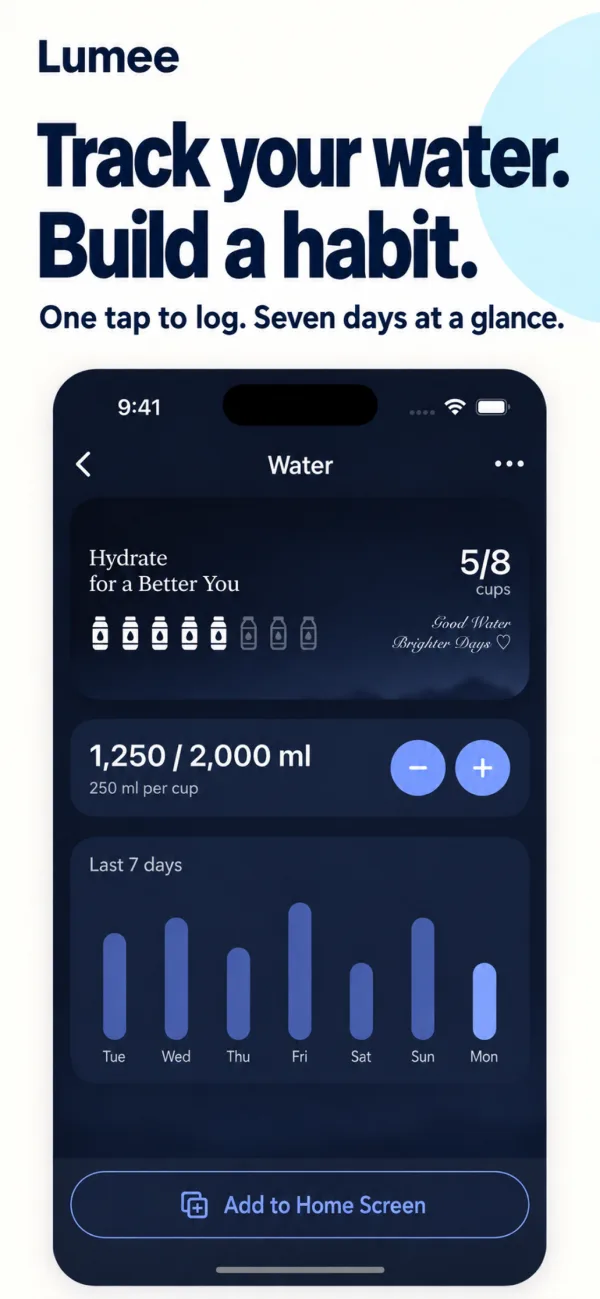
Water tracking
Add or subtract with one tap and see the last seven days.
Sleep and steps
Track your sleep hours and daily steps.
Weather, calendar, world clock
Plan each day and keep track of time around the world.
Rest timer
Count down your rest between gym sets and focus on each one.
To-dos and e-invoice barcode
Check off to-dos one by one, and show your Taiwan e-invoice carrier barcode quickly at checkout.
Exchange rates, horoscopes, world news
Live exchange rates, daily horoscopes and BBC world headlines.
Lock Screen widgets
See your go-to info on the Lock Screen too (updates follow the system's schedule).
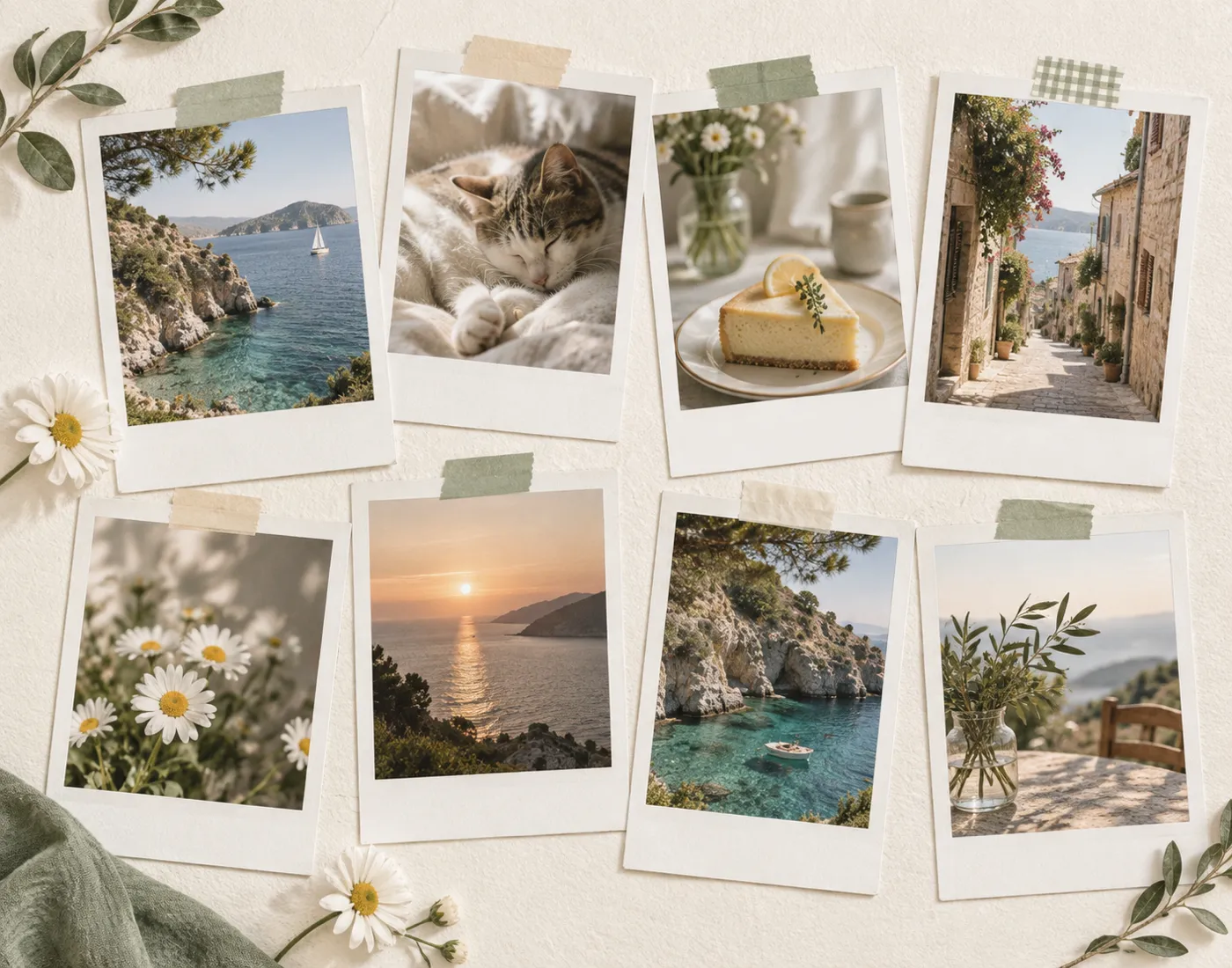
How to put your own photos in a widget on iPhone
Press and hold an empty spot on the Home Screen > Edit > Add Widget > Photos to add the built-in Photos widget. From iOS 17 you can pick an album to cycle through in Edit Widget, but you can't choose a single photo directly. For a fixed favorite photo in different styles, use Lumee.
Read the guideAny other questions?
How do I add it to my Home Screen?
After setting up a widget in Lumee, touch and hold an empty spot on your Home Screen, tap Edit > Add Widget, search for Lumee and choose a size.
Can I use my own photos?
Yes. Pick a few photos you like and turn them into a photo memories widget.
Does Lumee cost anything?
It's free to download and use, and 5 styles are free. Lumee Pro is a one-time NT$120 purchase that unlocks every style and feature for good. No monthly subscription.
Lumee
Available on the App Store · Free to download; Lumee Pro is a one-time NT$120 purchase that unlocks everything for good, with no monthly subscription