 Charonyu
How to track job applications and openings when applying to many companies
Keep one row per job to record company, posting link, salary, deadline, date applied, status, contact, and interview date. Use a fixed set of statuses and update weekly. Includes a column template, status flow, follow-up timing, and how to save jobs from 104 and LinkedIn with Job Pocket.
 Charonyu・Guide・

Quick answer
When you apply to many companies, the most effective method is to keep every job in one place, one row per job, and record company, posting link, salary, deadline, date applied, status, contact, interview date, and next step. Fix the statuses to a few stages, such as “Want to apply, Applied, Interviewing, Offer / Rejected”, and update them once a week on a set day. You can build this in a spreadsheet yourself, or use Job Pocket to save jobs straight from 104 or LinkedIn via the share sheet, organize the key points, and track progress.
Why does it get messy when you apply a lot?
Applying through 104 (a major Taiwanese job site), LinkedIn, and company websites at the same time makes these problems common:
- A call comes in and you cannot remember which job you applied for.
- The posting is gone, and before the interview you cannot see the original duties and salary.
- You applied twice to the same company, or missed a deadline.
- You cannot tell which applications have gone quiet for a long time and need a follow-up.
Each job site usually only shows application records on its own site, so tracking applications across platforms is still up to you.
Which columns should you record?
| Column | Purpose | Example |
|---|---|---|
| Company | Identify | Acme Tech |
| Job title | Identify | Frontend engineer |
| Posting link | Go back to the original | 104 or company site URL |
| Salary | Compare, reference for negotiation | NT$50,000-70,000 per month |
| Location / remote | Filter | Neihu, Taipei; hybrid |
| Deadline | Avoid missing it | 10/31 |
| Date applied | Work out follow-up timing | 10/5 |
| Status | Track progress | Applied |
| Contact | Follow up, send thank-you notes | HR name, email |
| Interview date | Plan your schedule | 10/15 14:00 first round |
| Next step | Know what to do now | Follow up 10/19 |
| Notes | Extras | Portfolio needed, English test |
Besides the link, save the key points of the posting too (duties, must-have requirements, nice-to-haves) so you can still look them up after it comes down.
How should you split the statuses?
Use fixed options instead of writing something different each time, so you can filter and count later:
- Want to apply: bookmarked, not applied yet.
- Applied: record the date applied.
- Interviewing: you can break this into first round, second round, take-home assignment.
- Waiting for result: interviews done, waiting to hear.
- Offer / Rejected / Withdrawn: closed.
In a spreadsheet you can turn this into a dropdown with data validation, then sort by status to see at a glance which ones are in progress.
When should you follow up?
- 1 to 2 weeks after applying with no reply: you can politely ask once, or simply put your energy into other jobs.
- The same day or the next after an interview: send a short thank-you note, and confirm roughly when you will hear back.
- Past the reply time they gave you: ask once more; there is no need to keep pushing.
Pick a fixed time each week (for example Sunday evening) to go through the Next step column, and nothing slips through.
Save jobs and track progress with Job Pocket
The biggest hassle of making your own spreadsheet is copying and pasting every job by hand. Job Pocket lets you capture a job the moment you see it:
- Share to save: send it in from a browser or job app through the share sheet, or paste the URL. It supports 104, LinkedIn, Cake, Yourator, and 1111 (the main Taiwanese job sites), as well as Greenhouse; for Glassdoor it can keep the link and the job text you share.
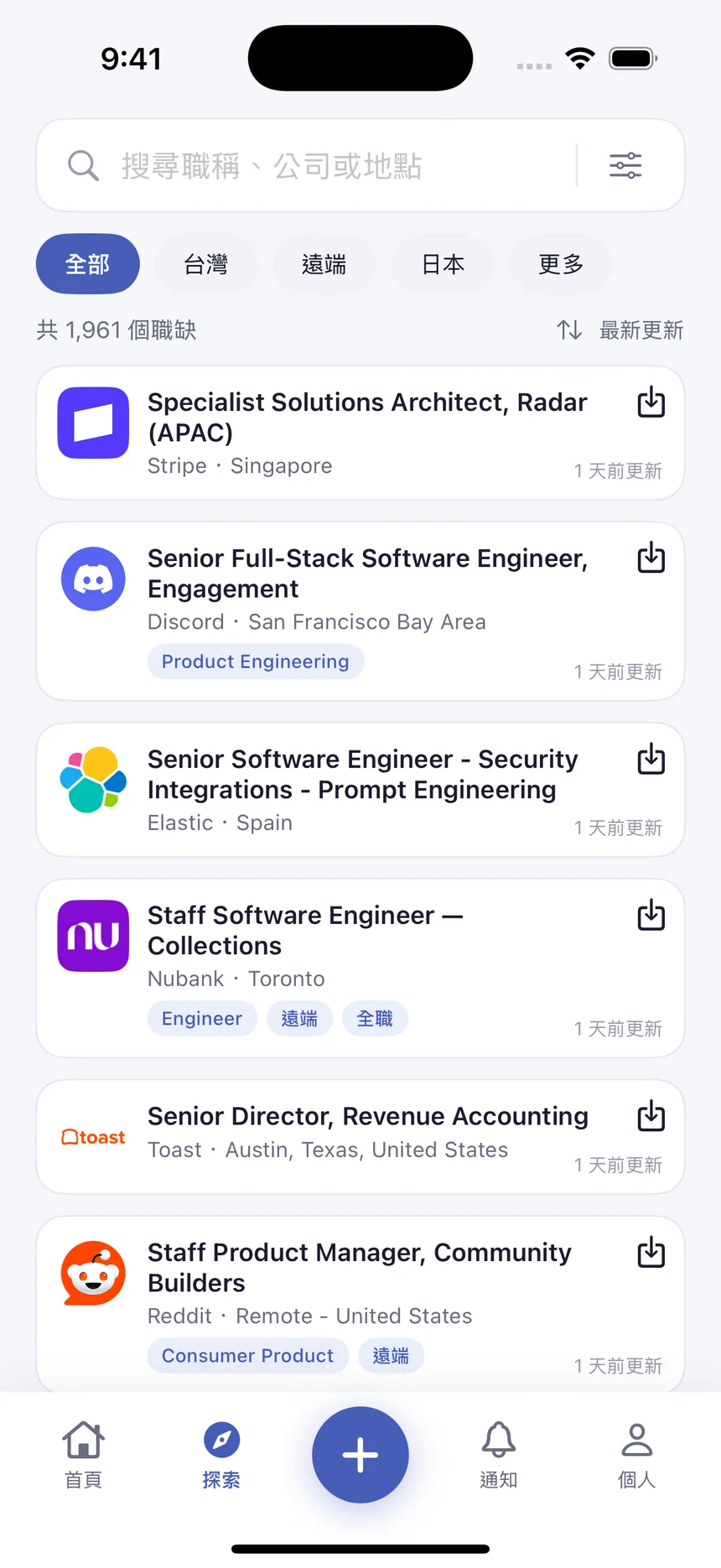
- Discover: browse jobs posted in the last 14 days by about 80 well-known companies on Greenhouse, Lever, and Ashby, with basic company information. Tap Save to add one to the app; applying still happens on the original posting page.
- Job highlights: organizes duties, salary, location, and requirements. Highlights you have already saved stay available after the posting comes down (some sites may only let it keep the link, so add important requirements yourself).
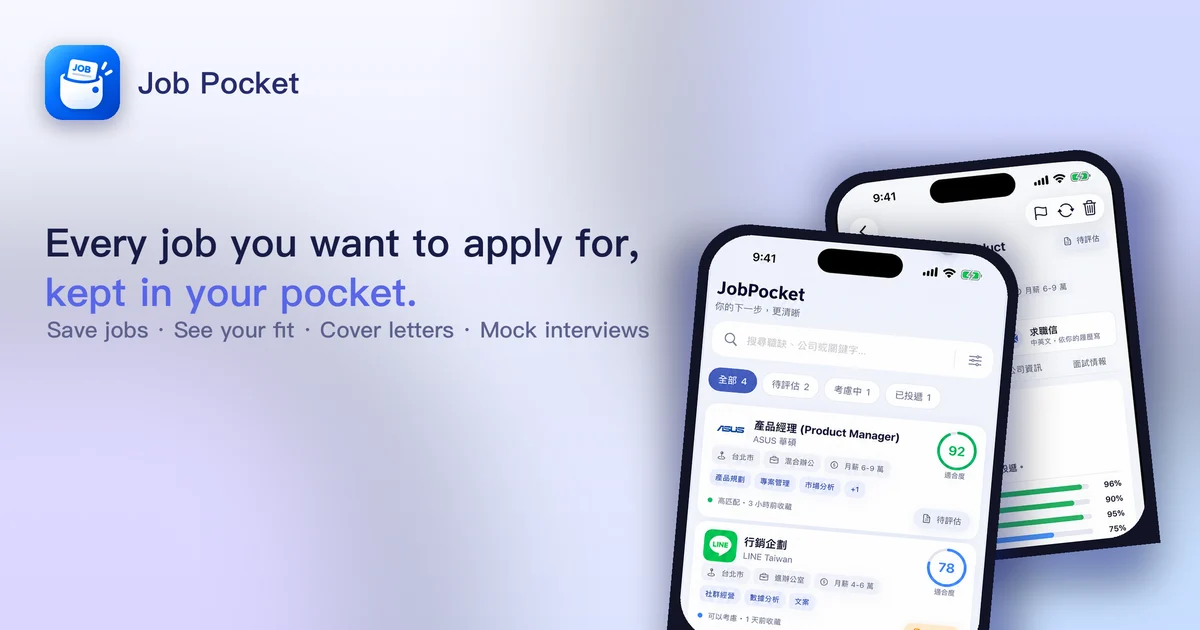
- Fit reference: using your skills, experience, and job preferences, it shows where you match and what to strengthen.
- Application progress: mark jobs as considering, want to apply, applied, interviewing, and so on, and manage them in one place.
- Job data is stored on your phone, and the basic features need no sign-up. Before you use AI job analysis or resume organizing, it explains how the data is used and asks for your consent. The free plan includes 25 job analyses per calendar month (shared with resume organizing).
Once you reach the interview stage, move on to How to prepare a self-introduction for interviews, or see Is AI mock interview practice useful?
A note: do not delete jobs marked “Rejected”. Keeping them shows which stage you tend to get stuck at, which is very useful when you adjust your resume or interview preparation next time.
Steps
- 1
Share a job to Job Pocket
When you see a job on 104 (a major Taiwanese job site), LinkedIn, Cake, Yourator, 1111, or in a browser, send it to Job Pocket from the share sheet or paste the job URL. You can also pick jobs at well-known companies from Discover and save them. The basic features need no sign-up.
- 2
Review the job highlights and fit
Job Pocket organizes responsibilities, salary, location, and requirements. Once you fill in your skills, experience, and job preferences, you can see where you match and which requirements to watch.
- 3
Update your application progress
Update the status when you send your resume or get an interview invitation, and manage all your jobs in one place.
Disclosure: Job Pocket is an app developed by this site's author (Charonyu). The built-in methods and other options described here all work without downloading our app.
FAQ
Is a spreadsheet in Excel or Google Sheets enough?
Yes. What matters is one row per job, fixed status options, and a weekly update. The downside of a spreadsheet is copying job content by hand; if you only save the link and not the content, you cannot see the original requirements once the posting comes down.
How long after applying should I follow up?
There is no standard, but a common approach is to ask politely once if you hear nothing after 1 to 2 weeks. After an interview, send a thank-you note the same day or the next, and ask roughly when you will hear back.
Why save the job content separately?
Postings often come down after the deadline or once the role is filled, so by interview time you can no longer see the original duties and requirements. Saving the key points first gives you something to prepare from.
How much can I use on the free version of Job Pocket?
The basic features need no sign-up. The free plan includes 25 job analyses per calendar month (shared with resume organizing), 3 cover letters, and one 2-question mock interview trial.