 Charonyu
Why does tidying your photo library never end?
Photo cleanup rarely stays unfinished because you are lazy. Every photo needs a keep-or-delete decision, there are piles of near-identical shots, and "I'll do it all in one go" keeps you from starting. Short daily sessions, going month by month, quick decisions, and room to undo make it finishable.
 Charonyu・Article・

Quick answer
Photo cleanup usually stays unfinished not because you lack time but because every photo is a small decision, and across thousands of photos that adds up to decision fatigue. On top of that, piles of similar photos make each decision harder, and the idea of “if I tidy, I’ll do it all at once” keeps you from starting. What makes it finishable: a short session each day, going month by month, deciding quickly, and keeping room to undo.
Problem 1: Every single photo needs a decision
Deleting a photo looks like it takes a second, but before that second you have to answer: “Is this useful? Will I want to see it later? Is there a better one?”
Once or twice is nothing, but a library easily holds thousands or tens of thousands of photos, and each one needs answering. After a while of judging, most people get tired and think “forget it, I’ll do it next time”, or just keep everything. This is not a willpower problem; making many small decisions in a row is naturally draining.
So the point is not to “try harder” but to make each decision simpler and have fewer of them.
Problem 2: Similar photos make decisions harder
The hardest photos to delete are often not the blurry ones but the “all five are fine” ones: several shots of the same dish, ten burst shots of a group photo to catch everyone with eyes open, the same view from three angles.
Comparing details and picking the best one is much more tiring than judging a single photo. Many people just skip these, so similar photos keep piling up, and they are one of the biggest sources of wasted space in a library.
Problem 3: “Tidy everything” is too big a goal
“Let’s tidy the photo library this weekend” sounds reasonable, but opening a library of thirty thousand photos easily kills your motivation from the start. Even if you do begin, if you stop halfway you will not know where to continue next time, and end up starting over or giving up.
The idea of doing it all at once turns tidying into a big job that needs you to “find time”, and big jobs are the easiest to put off.
Methods that are easier to finish
1. Handle the no-thinking items first Screenshots, screen recordings, and exact duplicates need almost no judgment. The iPhone’s built-in Media Types and Duplicates albums let you process them in batches, so you get results quickly and free up a big chunk of space first. For how, see How to find duplicate photos on iPhone.
2. Cut it into months Change “tidy the photo library” into “tidy March of this year”. The scope is small with a clear finish line, and finishing a month counts as done. Next time you continue from the next month, with no need to hunt for a starting point.
3. A short session each day 5 to 10 minutes a day is easier to sustain than three hours once a month. Once your cleanup catches up to the present, a few minutes at the start of each month for the previous month is enough.
4. Decide fast, and keep what you hesitate over Give yourself a rule: if you cannot decide within a second or two, keep it for now. Spending your energy on the large number of easy photos is more efficient than getting stuck on the few hard ones.
5. Keep room to regret Fear of deleting the wrong one makes you think long about every photo. Knowing you can get it back makes decisions much faster: photos deleted on iPhone stay in Recently Deleted for 30 days, and as long as you have not manually deleted them there, you can recover them. For truly important photos, keeping a separate backup is even more reassuring.
How Swipee maps to these problems
Several features in Swipee line up with the problems above:
| Problem | What Swipee does |
|---|---|
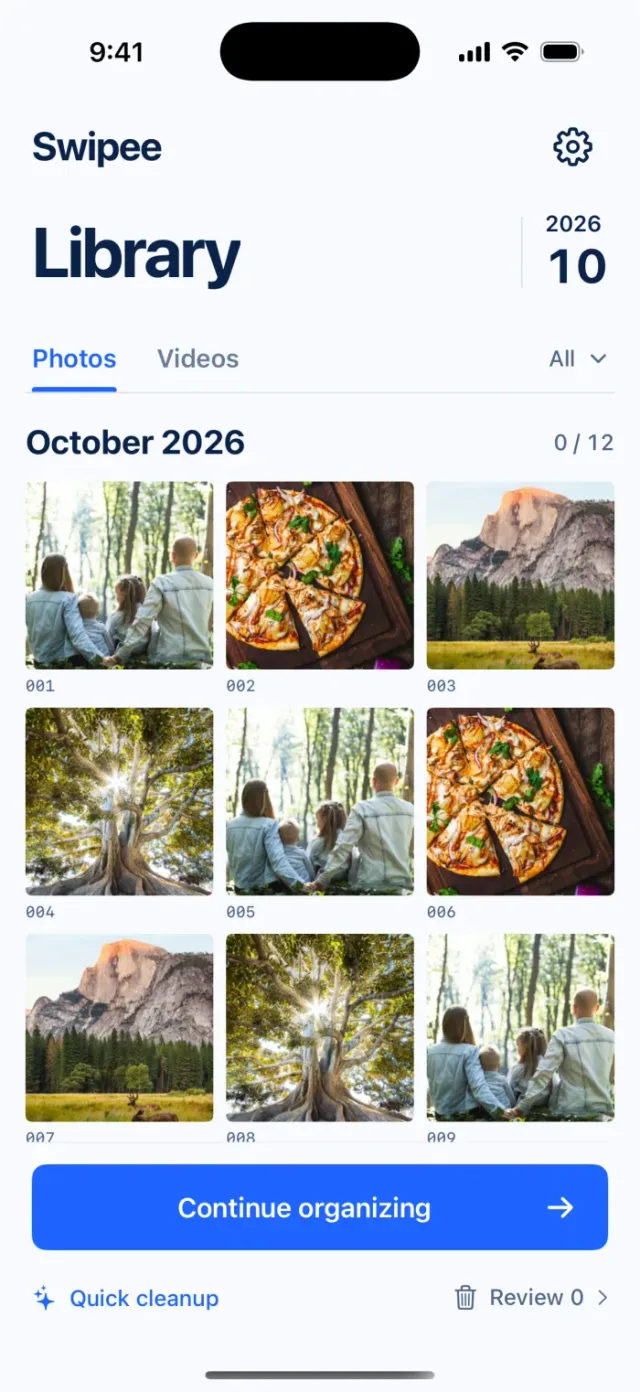
| Every photo needs a decision, which is tiring | Four-way swipe: swipe left to mark for deletion, right to keep, up to add to Favorites, down to add to a chosen album, so each decision is a single gesture |
| Afraid of deleting the wrong one | Undo is available, and you check the items marked for deletion before deleting; actual deletion still needs confirmation from the Apple Photos system, and deleted photos go to Recently Deleted first, so within 30 days, before permanent deletion, they can be recovered |
| Similar photos are hard to pick from | Photo comparison: check photos taken close together side by side (grouped by shooting time, so they are not guaranteed to be duplicates), then decide after looking at each |
| Don’t know where to start | Quick Scan (Beta): first review suggestions such as old screenshots and similar images, at most 20 at a time and none selected by default; or use content category suggestions to group by subject or people (may be inaccurate) |
| The scope is too big, and an interruption means giving up | Cleanup by month: browse by month and pick up where you left off |
| You can’t see results | See your cleanup progress and know how far you have got |
It does not decide which photos matter for you; that judgment is still yours. What it does is make the judging lighter and less likely to be interrupted. For the full order of cleanup, see How to quickly clean up and delete too many photos on iPhone.
A note: the purpose of tidying is to make your library useful and easy to search, not to delete down to the minimum. It is fine to keep photos you cannot decide on; what really takes space is usually videos and large numbers of similar photos. For storage problems see iPhone storage full: what to do when photos take too much space.
Continue with the complete guide: iPhone photo library cleanup and storage guide →
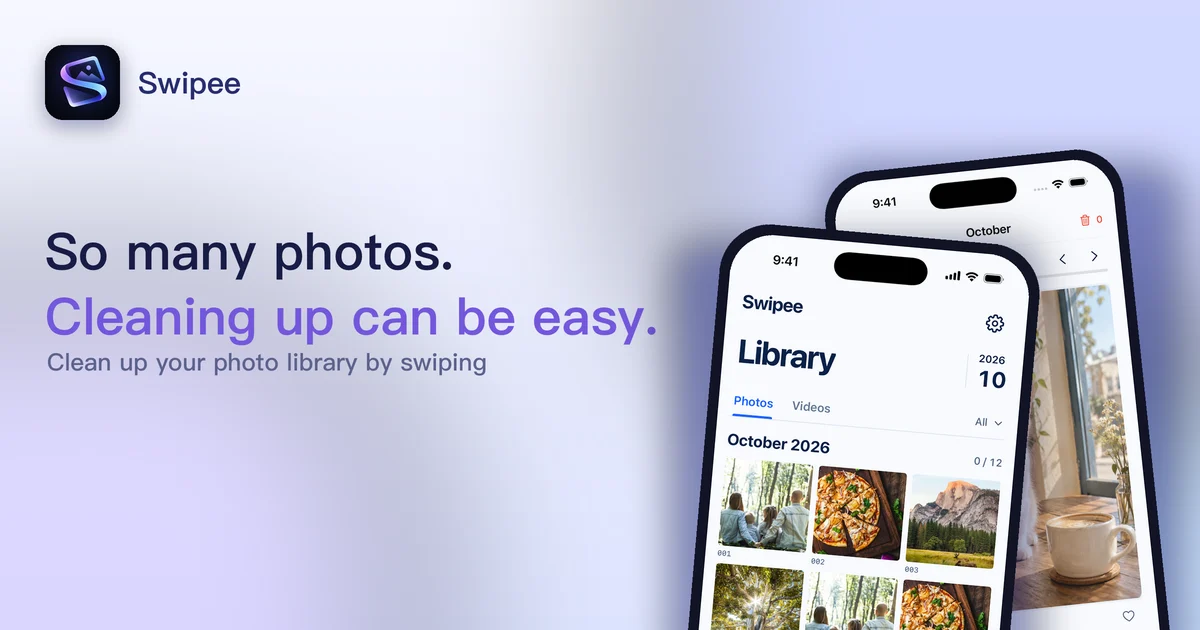
Disclosure: Swipee is an app developed by this site's author (Charonyu). The built-in methods and other options described here all work without downloading our app.
FAQ
How often should I tidy my photo library?
Spending 5 to 10 minutes a day or week on a small stretch is easier to keep up than an occasional big clean. You can set a routine of tidying last month's photos at the start of each month so the backlog stops piling up.
What if I hesitate over a photo for a long time and can't decide whether to delete it?
Skip it or keep it for now, and save your energy for the photos that are easy to judge. A photo you hesitate over usually has some value, so keeping it costs little; what really takes space is mostly screenshots, long videos, and duplicates.
I'm afraid of deleting the wrong photo. Is there a chance to undo?
Yes. Photos you delete on iPhone stay in Recently Deleted for 30 days, and as long as you have not permanently deleted them there, you can recover them. Swipee also lets you undo while you clean up, and you can check each item marked for deletion before it is deleted.
Where is the most satisfying place to start?
Start with screenshots and duplicates. Both take almost no thinking, the built-in Media Types and Duplicates albums handle them quickly, and you see results fast.